

BROWSER TOOLS THAT GET OUT OF THE WAY

Small tools.
Fewer steps.

ClickMinus turns everyday browser friction into a direct action. No bloated workflows, no unnecessary accounts, no detours.

Local processing No account required No image tracking

OUR FIRST TOOL

One image utility that feels like real software.

Fast when the task is simple. Complete when the project grows.

PixTuckby ClickMinus

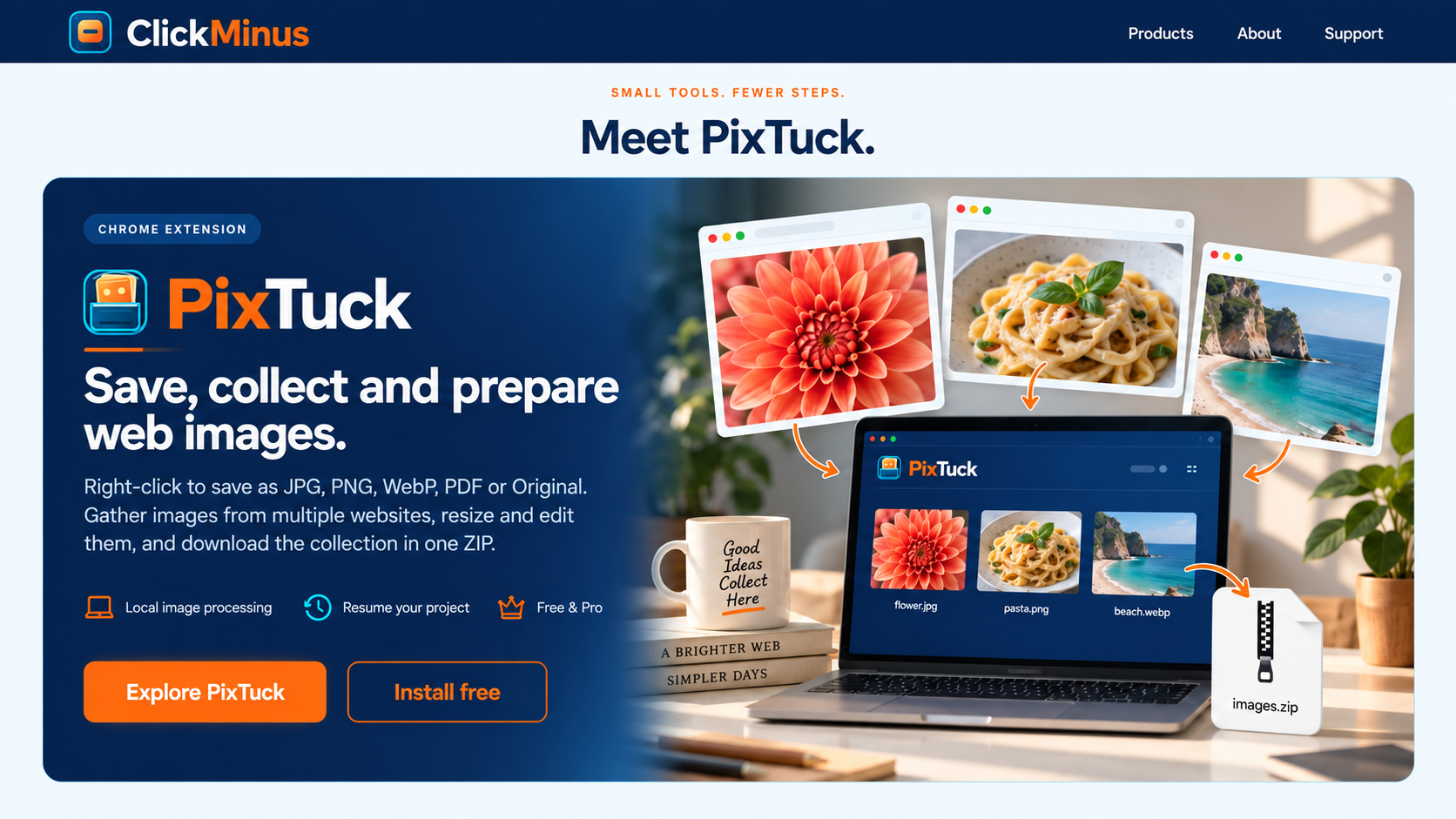
Save, convert, adjust and organize images—right inside Chrome.

Save an image immediately, process one with precision, or collect images from different pages and export a complete Mini Project.

  • JPG, PNG, WebP, PDF or original
  • Standard sizes through 4K
  • Per-image crop, tone, flip and rotation
  • Project folder or one organized ZIP
Explore PixTuck

ONE COHERENT FLOW

  1. 01
    ChooseRight-click a web image or add a local file.
  2. 02
    PrepareConvert, resize and adjust each image visually.
  3. 03
    ExportDownload one result, a project folder or a ZIP.
Processing stays in your browser

THE CLICKMINUS STANDARD

Useful before impressive.

Remove the detour

The shortest common task should stay short. Advanced controls appear only when you need them.

Keep private work local

Your images are processed on your device instead of being uploaded to a conversion server.

Produce a real result

Every tool is built around a finished file or completed action—not engagement for its own sake.

CLICKMINUS

Better browser tools are arriving one friction point at a time.

Contact support