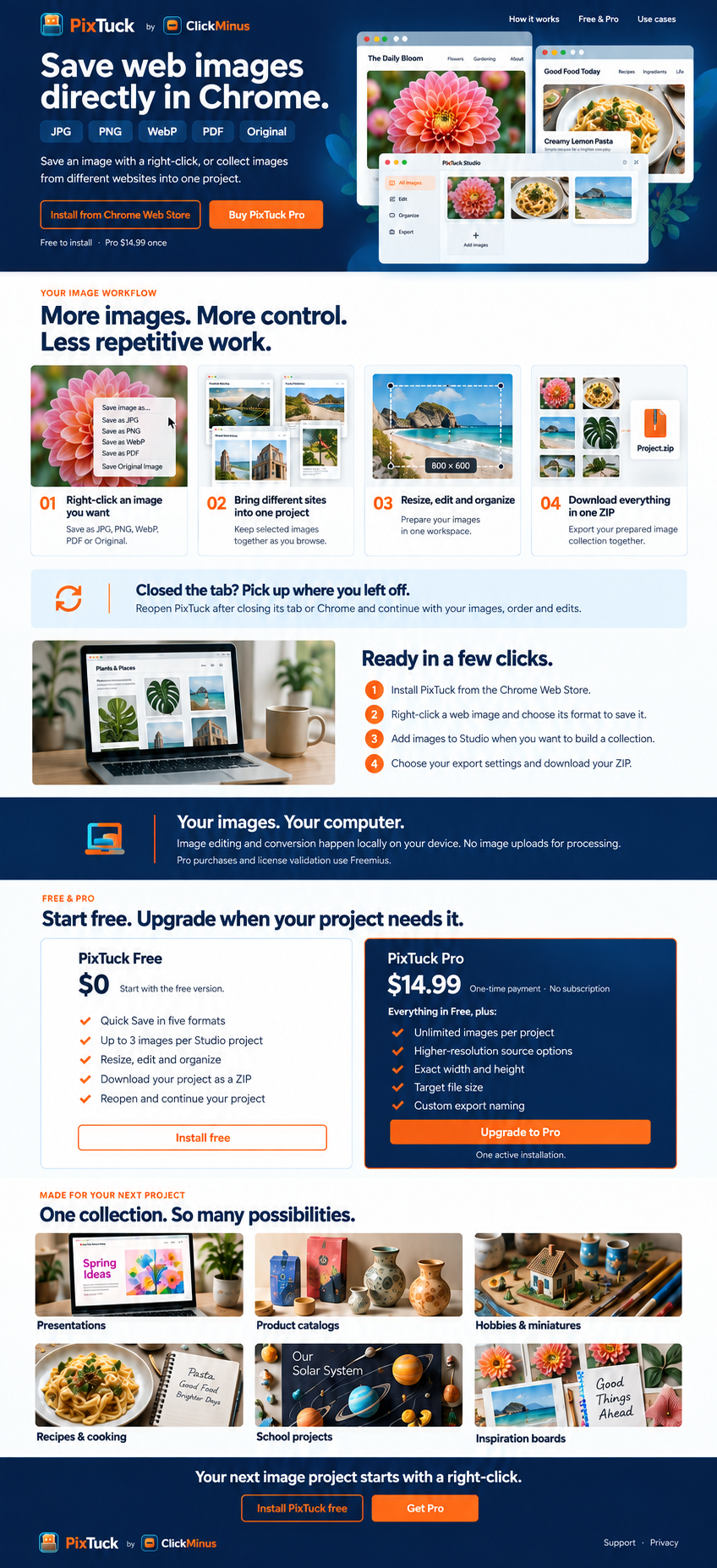
YOUR IMAGE WORKFLOW
More images. More control.
Less repetitive work.
01Right-click an image you want
Save as JPG, PNG, WebP, PDF or Original.
02Bring different sites into one project
Keep selected images together as you browse.
03Resize, edit and organize
Prepare your images in one workspace.
04Download everything in one ZIP
Export your prepared image collection together.
Ready in a few clicks.
- Install PixTuck from the Chrome Web Store.
- Right-click a web image and choose its format to save it.
- Add images to Studio when you want to build a collection.
- Choose your export settings and download your ZIP.
Your images. Your computer.
Image editing and conversion happen locally on your device. No image uploads for processing.
Pro purchases and license validation use Freemius. Privacy details
FREE & PRO
Start free. Upgrade when your project needs it.
PixTuck Free
$0Start with the free version.
- Unlimited Quick Save in five formats
- Up to 3 images per Studio project
- Resize, edit and organize
- Download your project as a ZIP
- Reopen and continue your project
Install freePixTuck Pro
$14.99USD · One-time payment · No subscription
Everything in Free, plus:
- Unlimited images per project
- Higher-resolution source options
- Exact width and height
- Target file size (best effort)
- Custom export naming and numbering
- Custom solid background colors
Upgrade to ProOne active installation.
Already installed? Buy Pro, then paste the license key from your receipt into PixTuck. No reinstall needed.
MADE FOR YOUR NEXT PROJECT
One collection. So many possibilities.
Presentations
Product catalogs
Hobbies & miniatures
Recipes & cooking
School projects
Inspiration boards